GCash E-Wallet
Complete your donation using this payment method
Payment Instructions
Scan the QR code below using your GCash app and enter the donation amount. After payment, please take a screenshot of the transaction and upload it as proof of donation. GCash Number: [Your GCash Number]Scan QR Code to Pay
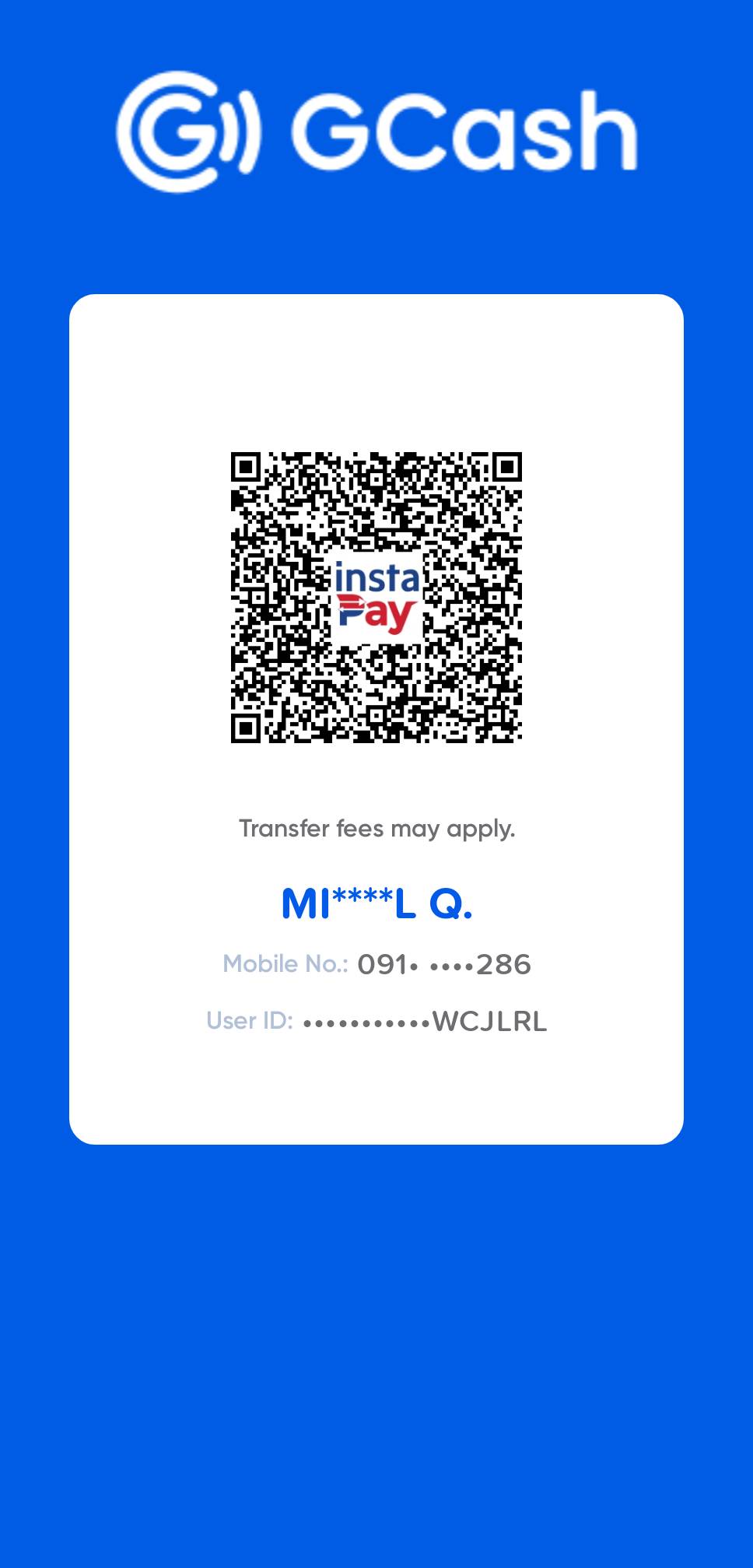 Click to enlarge QR code